
You will likely need this enabled upon contacting the Ducky Support team for easy reference.
Desktop
1
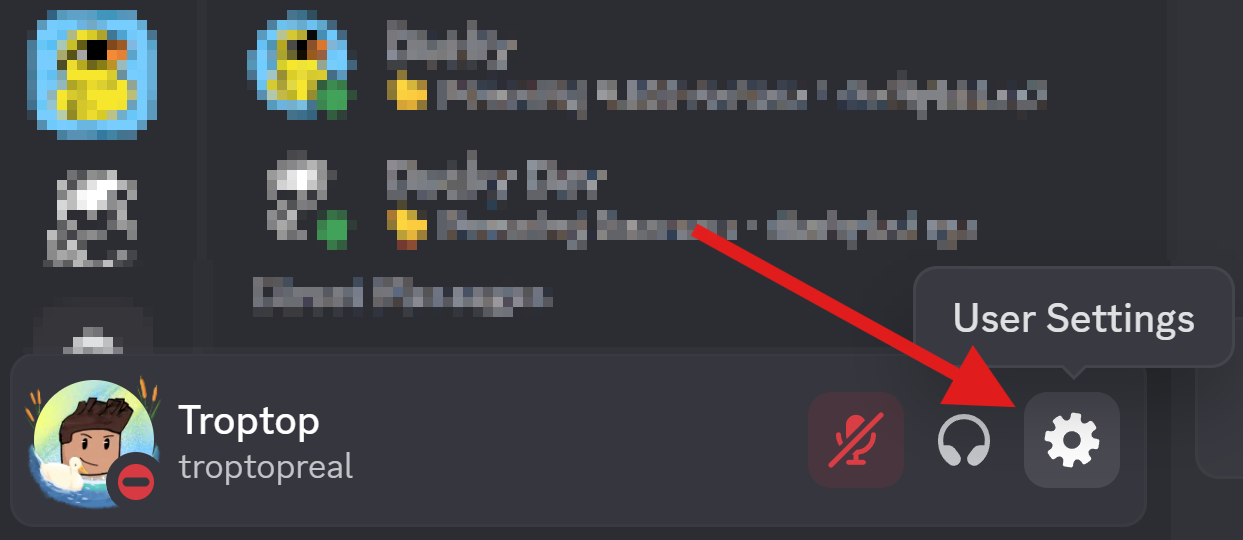
Open User Settings
2
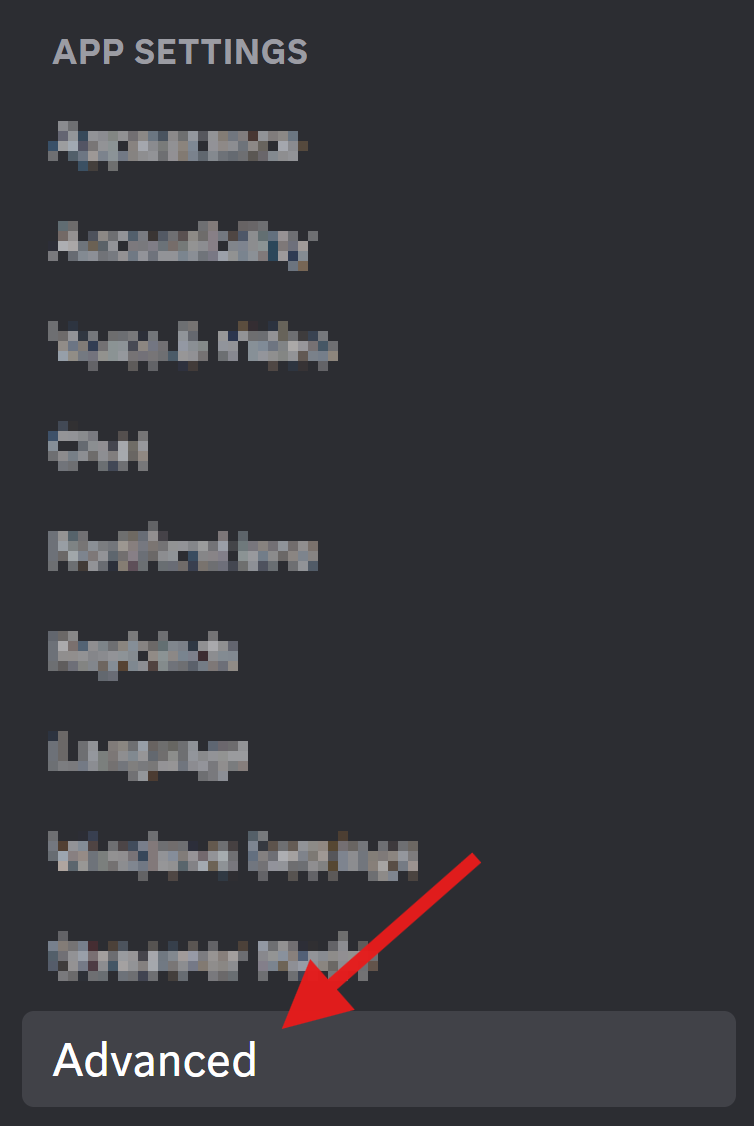
Select Advanced
3
Enable Developer Mode

Mobile
1
Open Profile

2
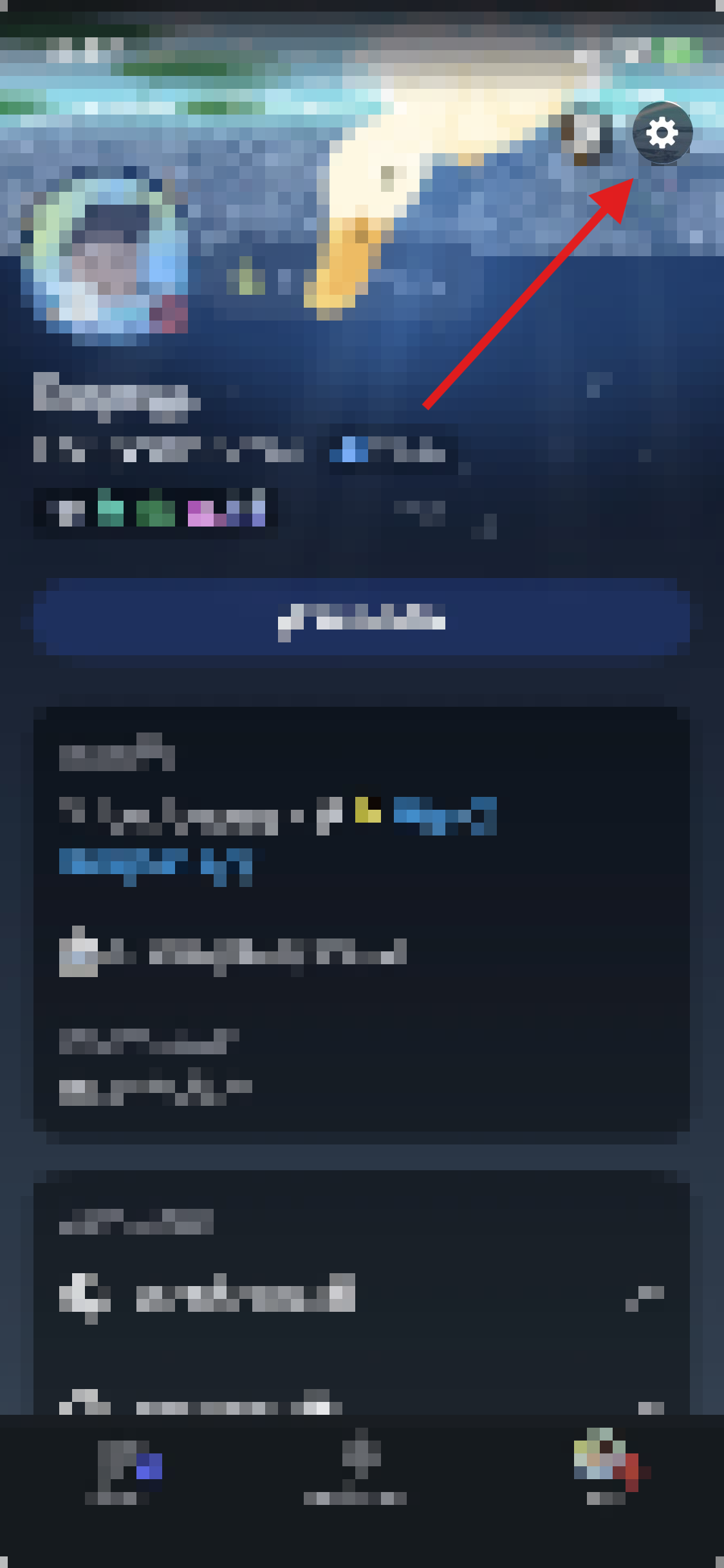
Open User Settings
3
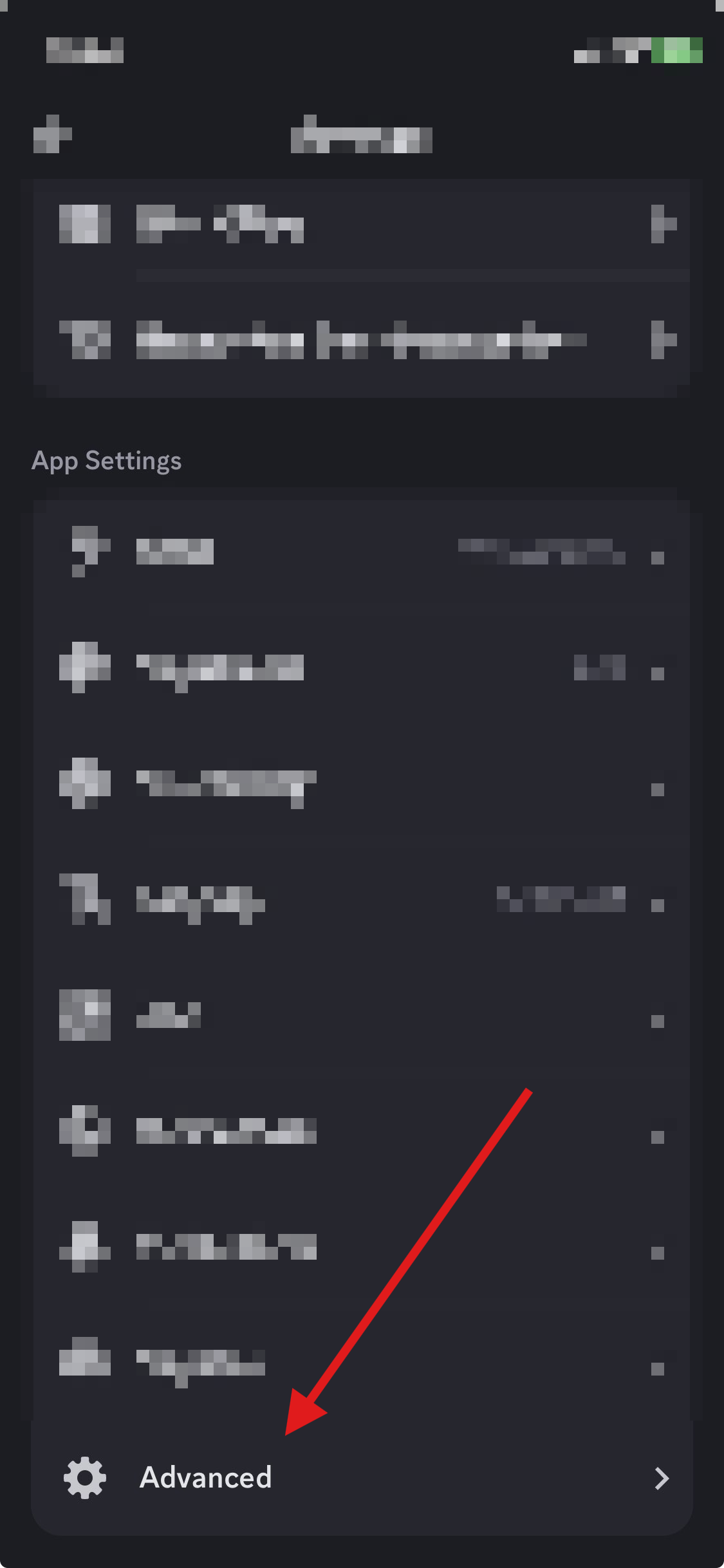
Select Advanced
4
Enable Developer Mode
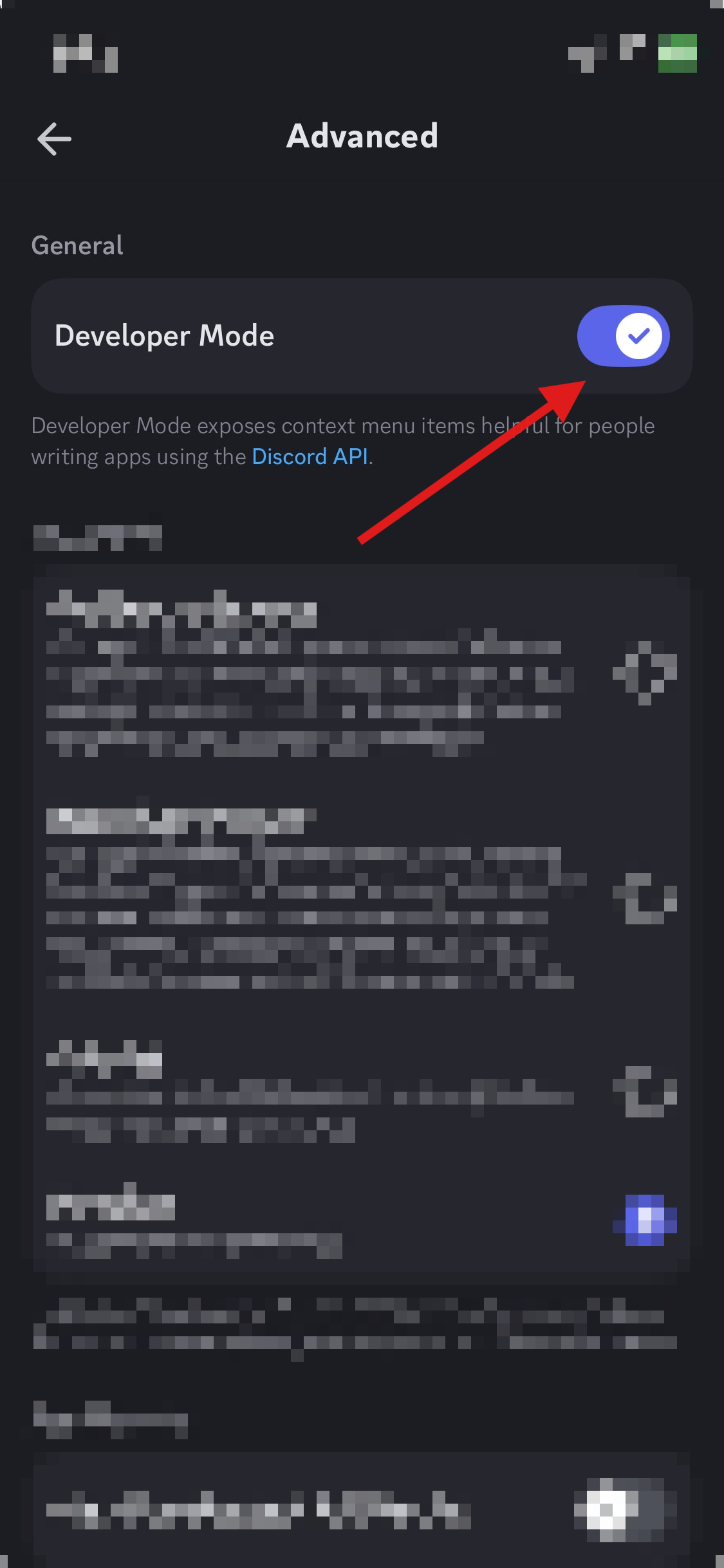
Learn how to enable Developer Mode on Discord.
Open User Settings
Select Advanced
Enable Developer Mode
Open Profile
Open User Settings
Select Advanced
Enable Developer Mode